
Know how your IBM i is doing before your users call you
Disk, CPU, jobs stuck in MSGW, QSYSOPR messages, subsystems and disk units on one page, with email alarms. Nothing to install on the IBM i: it reads the standard IBM i system services.
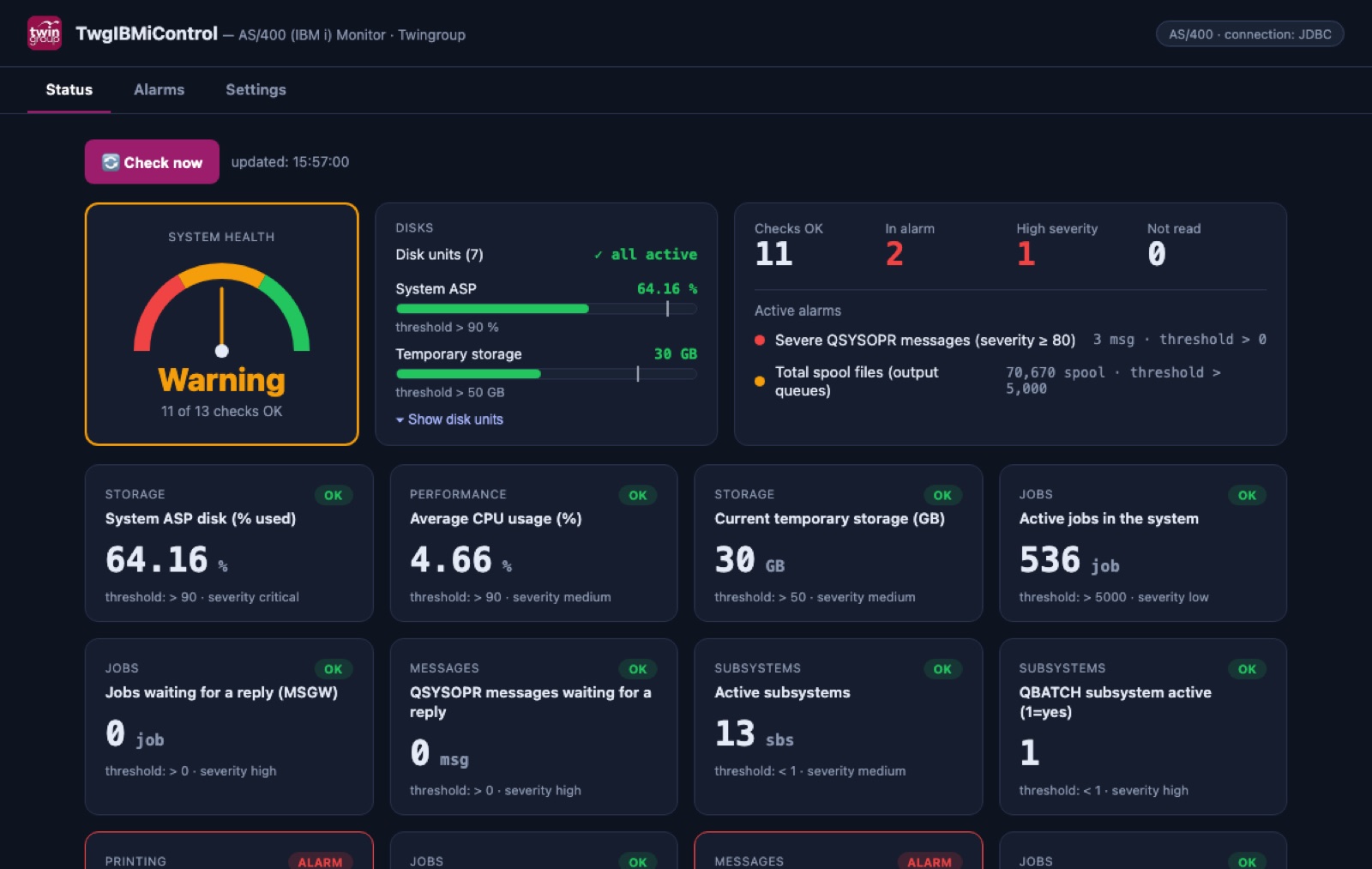
What it checks
Every few minutes, with thresholds you can change. When something goes wrong you get an email.
How the trial works
Unzip on a Windows PC or a Mac in your network and double-click the start file. Java and Node.js are included.
Request your free 30-day key with the form below and paste it on the first screen.
Enter host, user and password. In a few seconds you see the status of your system.
Download and start it, then choose the free health check: in about a minute you get a report on your IBM i with advice on what to fix, ready to print or save as PDF.
Requirements
- IBM i 7.2 or later (7.3 or later recommended), with an up-to-date database (Db2) PTF group.
- A read-only IBM i user that can read the QSYS2 system services.
- Standard host server ports reachable from the PC: 449, 8471, 8476.
- A Windows PC or a Mac in the same network as the IBM i, or connected to it via VPN.
Your data stays in your network: the monitor runs on your PC and only reads system information. If the IBM i rejects the password, it stops at once so the profile is never disabled.
Pricing
| First IBM i system | €200 / month |
| Each additional system (or LPAR) | +€100 / month |
| Yearly, paid in advance (1 system) | €2,000 / year |
| Trial | 30 days free |
Prices excluding VAT.
Request your free trial key
We send it by email within one working day.